> For the complete documentation index, see [llms.txt](https://docs.pullrequest.com/accepting-code-reviews-from-slack/llms.txt). Markdown versions of documentation pages are available by appending `.md` to page URLs; this page is available as [Markdown](https://docs.pullrequest.com/accepting-code-reviews-from-slack/master.md).
# Review Notifications in Slack
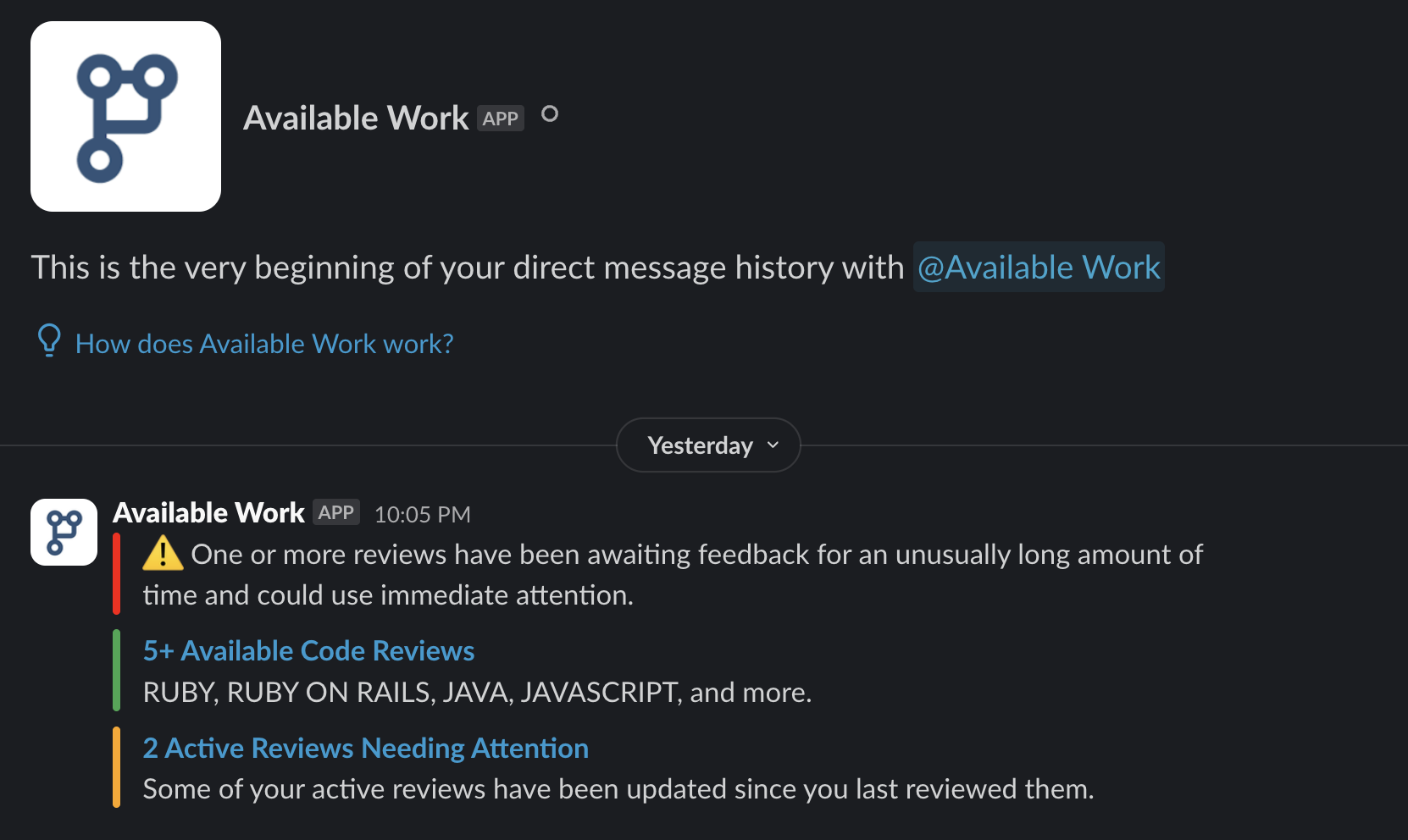
A Slack bot application helps us to raise awareness to our active community members on available work, as well as updates on reviews that have been in progress already that need attention. The Available Work bot will ping each reviewer with applicable skills when something is available or if anything needs attention. We'll also let reviewers know when a review has been waiting for review for a longer amount of time. The bot is a nice alternative to checking the dashboard alone and can be configured to send push notifications to your phone.
As shown above, we'll provide links to your Available or Active Jobs pages on your reviewer profile with a quick highlight of which skills are relevant to the PRs awaiting review.
Additionally, when a reviewer is added to the community, we will also add you to various channels that match your skills. These channels are used by HackerOne admins to ping the channel for help or questions.
**Examples:**
* \#nodejs-reviews
* \#php-reviews
* \#ruby-reviews
* \#ios-reviews
* ... and so on.
{% hint style="info" %}
NOTE: If it appears you may be missing from some channels you should be added to, or if your skills change over time (ie - you've recently spent months becoming an Elixir wizard), please reach out in the #general or ping a HackerOne team member in Slack and we'll update accordingly.
{% endhint %}